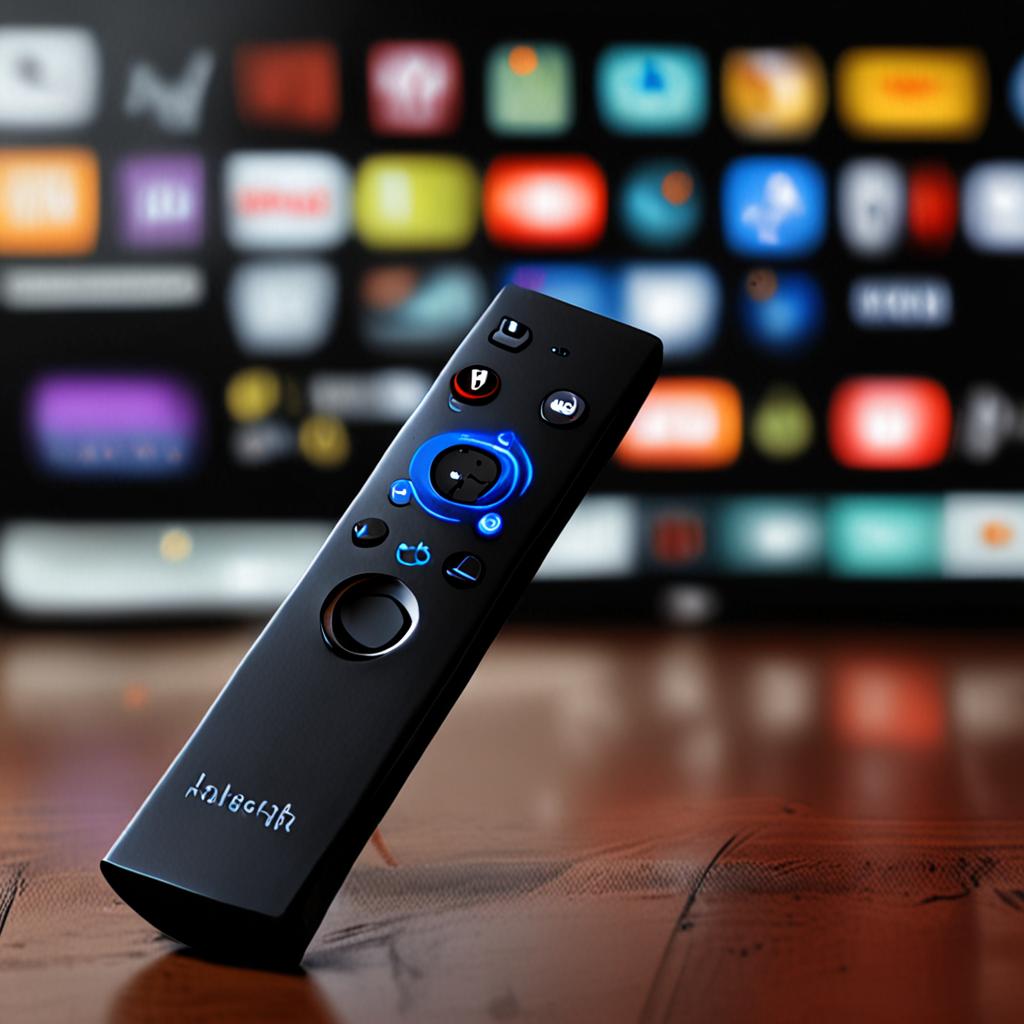
Best IPTV for Nvidia Shield 2026: Setup, Apps, and Performance Guide
The Nvidia Shield TV remains the most powerful streaming device on the market in 2026, and pairing it with the right IPTV service creates what is arguably the ultimate television viewing experience. If you are looking for the best IPTV for Nvidia Shield, you need a provider that can actually take advantage of the Shield's Tegra X1+ processor, AI-enhanced 4K upscaling, Dolby Vision and Atmos support, and gigabit networking capabilities. Most IPTV services cannot deliver streams worthy of this hardware, but the right one transforms it into a powerhouse.
This guide covers everything Nvidia Shield owners need to know about IPTV: which apps perform best on the platform, how to configure settings for optimal picture quality, and why EdIPTV with its 29,500 plus channels and 4K streaming is the ideal provider for Shield users who demand the best possible viewing experience.
Why Nvidia Shield Is the Ultimate IPTV Device
The Nvidia Shield TV Pro sits in a class of its own among streaming devices. Its Tegra X1+ processor delivers raw computing power that no Fire Stick, Chromecast, or budget Android box can match. This translates to instant channel switching, zero lag in EPG navigation, smooth 4K playback, and the ability to run demanding IPTV apps without the stuttering and crashes that plague less powerful devices.
The Shield's standout feature for IPTV users is AI-enhanced upscaling. Using machine learning algorithms, the Shield can upscale 720p and 1080p IPTV streams to near-4K quality in real time. This means even standard definition channels look dramatically better on the Shield than on any other device. When you combine AI upscaling with a genuine 4K IPTV stream from EdIPTV, the picture quality rivals or exceeds broadcast television.
Connectivity is another Shield strength. Gigabit Ethernet ensures your IPTV streams have maximum bandwidth with zero wireless interference. WiFi 5 is available for flexible placement, but the ethernet port makes the Shield ideal for dedicated home theater setups where consistent quality is non-negotiable. The device also supports USB 3.0 for external storage, Bluetooth 5.0 for audio devices, and HDMI 2.0b with full 4K HDR output.
Best IPTV Apps for Nvidia Shield
The Nvidia Shield runs Android TV, giving you access to the Google Play Store's full library of IPTV apps. However, not all apps are optimized for the Shield's capabilities. Here are the best performers in 2026.
- TiviMate: The gold standard IPTV app for Android TV. TiviMate offers a cable-like EPG interface, picture-in-picture, recording to external USB storage, multi-playlist support, and customizable channel grouping. Its performance on the Shield is flawless.
- IPTV Smarters Pro: A reliable, feature-rich player with a clean interface, catch-up support, and multi-screen layout options. Works excellently with Xtream Codes connections like EdIPTV.
- Perfect Player: A lightweight but powerful option with a classic TV guide layout, channel grouping, and excellent codec support. Ideal for users who want simplicity without sacrificing functionality.
- Implayer: Designed specifically for Xtream Codes IPTV, offering a polished interface with live TV, VOD, series, and catch-up all integrated seamlessly.
- OTT Navigator: Advanced features including auto-updating playlists, channel logo management, and deep customization options. Perfect for power users who want full control.
Setting Up IPTV on Nvidia Shield with EdIPTV
Setting up the best IPTV for Nvidia Shield is straightforward. First, contact EdIPTV via WhatsApp at +1 (559) 508-2154 to activate your free 24-hour trial. You will receive your Xtream Codes credentials, including server URL, username, and password, within minutes.
Open the Google Play Store on your Shield and install your preferred IPTV app. We recommend TiviMate for the best Shield experience. Launch the app, add a new playlist, and select Xtream Codes as the connection type. Enter your EdIPTV credentials and tap connect. The app will load all 29,500 plus channels organized by category and country, along with the full EPG programme guide.
For TiviMate specifically, go to Settings, then Playback, and enable Hardware Decoder. This ensures the Shield's powerful Tegra X1+ handles all video decoding rather than relying on software processing. The difference in smoothness and quality is immediately noticeable, especially on 4K streams.
Optimizing Nvidia Shield Settings for IPTV
To extract the best possible picture quality from your IPTV streams on the Nvidia Shield, adjust the following system settings. Navigate to Settings, Device Preferences, Display and Sound. Set the resolution to 4K at 60Hz. Enable Dolby Vision if your TV supports it. Turn on Match Content Color Space to automatically switch between SDR and HDR based on the stream content.
Crucially, enable the AI Enhanced setting under Display and Sound. This activates the Shield's machine learning upscaling, which transforms lower-resolution IPTV streams into near-4K quality. Set it to High for the best results. On a 55-inch or larger TV, the difference between AI upscaling on and off is dramatic, with sharper details, reduced noise, and more natural colors on upscaled content.
For audio, if you have a Dolby Atmos compatible soundbar or AV receiver, enable Dolby Atmos processing. Set audio output to Auto to let the Shield negotiate the best audio format with your connected audio device. This ensures you get surround sound on channels that broadcast it, enhancing sports atmosphere and movie audio significantly.
Nvidia Shield IPTV vs Fire Stick IPTV: Performance Comparison
Many IPTV users start with an Amazon Fire Stick due to its low price point, but the Nvidia Shield offers a fundamentally superior experience. Channel switching on the Shield is near-instant, typically under one second, while Fire Stick 4K Max takes two to three seconds. EPG navigation is smooth and responsive on the Shield, whereas complex programme guides can lag noticeably on Fire Stick hardware.
4K stream decoding is where the Shield truly dominates. The Tegra X1+ handles HEVC, VP9, and AV1 codecs at 4K resolution without breaking a sweat. Fire Sticks can struggle with high-bitrate 4K streams, occasionally dropping frames or introducing artifacts. For anyone serious about IPTV picture quality, the Shield is the only Android-based device worth considering.
The Shield's 3 GB of RAM (Pro model) compared to the Fire Stick's 2 GB also means fewer app crashes, smoother multitasking, and the ability to run background recording while watching live TV without performance degradation. For the best IPTV Nvidia Shield experience, the Shield Pro with its 3 GB RAM and 16 GB storage is the recommended model.
Recording and Time-Shifting on Nvidia Shield
One of the Nvidia Shield's unique advantages for IPTV is its USB 3.0 port, which allows you to connect external storage for recording live TV. Apps like TiviMate support PVR functionality, letting you record IPTV channels directly to an external hard drive or USB flash drive connected to your Shield. This means you can build your own DVR library of recorded matches, shows, and movies.
Combined with EdIPTV's built-in catch-up functionality, you essentially have two layers of time-shifting. Use catch-up for recently aired content and recording for anything you want to keep long term. This is particularly valuable for sports fans who want to build a library of classic matches or for families who want to save kids' shows for offline viewing.
The Best IPTV for Nvidia Shield: EdIPTV
The Nvidia Shield deserves an IPTV provider that matches its capabilities, and EdIPTV delivers on every front. With 29,500 plus live channels, genuine 4K streaming that the Shield's AI upscaling can enhance even further, anti-freeze technology ensuring 99.9 percent uptime, and Xtream Codes compatibility with every major Android TV IPTV app, it is the ideal pairing for Shield owners who accept nothing less than the best.
Try EdIPTV free for 24 hours and experience the best IPTV for Nvidia Shield yourself. Contact the team via WhatsApp at +1 (559) 508-2154 to activate your free trial in minutes. No credit card, no contracts, no risk. Plug in your Shield, install TiviMate, connect to EdIPTV, and discover what IPTV is supposed to look like when powered by the right hardware and the right service. Get started today.
Ready to Start Streaming?
Get instant access to 20,000+ live channels, 4K streaming, and 80,000+ movies and series.
View Plans & Pricing