Premium Home Cinema IPTV Setup 2026: Build the Ultimate Viewing Experience
Building a premium home cinema IPTV setup is the ultimate goal for entertainment enthusiasts who want a cinematic viewing experience without leaving their house. In 2026, the combination of affordable 4K OLED and QLED displays, immersive Dolby Atmos audio systems, powerful streaming devices, and IPTV services delivering 29,500 plus channels in stunning quality means a home cinema setup that would have cost tens of thousands just five years ago is now achievable on a reasonable budget.
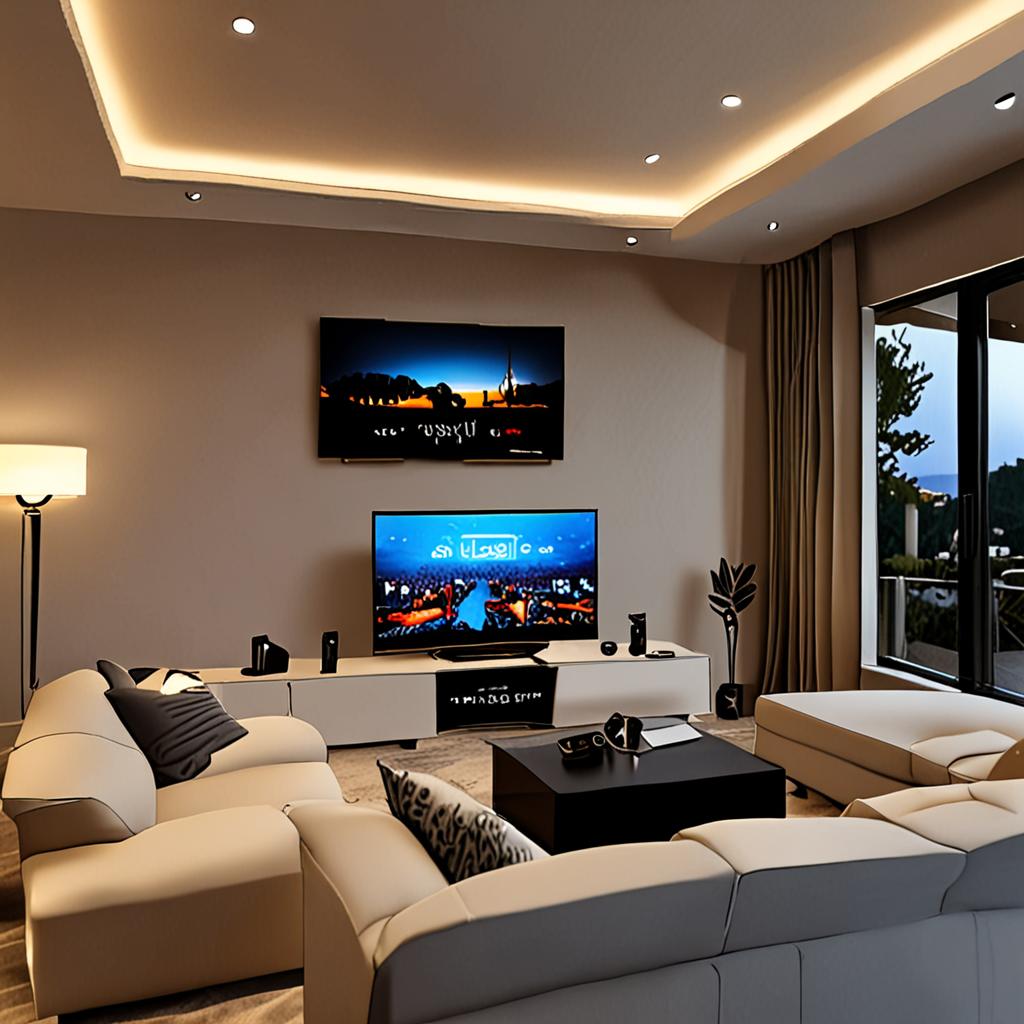
This guide walks you through every component of a premium home cinema IPTV setup: choosing the right display, building an immersive audio system, selecting the best streaming device, optimizing your room for the best viewing experience, and tying it all together with EdIPTV's 4K HDR streaming across 29,500 plus channels. Whether you are converting a spare room into a dedicated cinema or upgrading your living room setup, this is your complete blueprint.
Choosing the Perfect Display for Your Home Cinema IPTV Setup
The display is the centerpiece of any home cinema, and choosing the right one for IPTV viewing requires understanding the differences between display technologies. In 2026, the two dominant technologies for premium home cinema are OLED and QLED/Mini-LED.
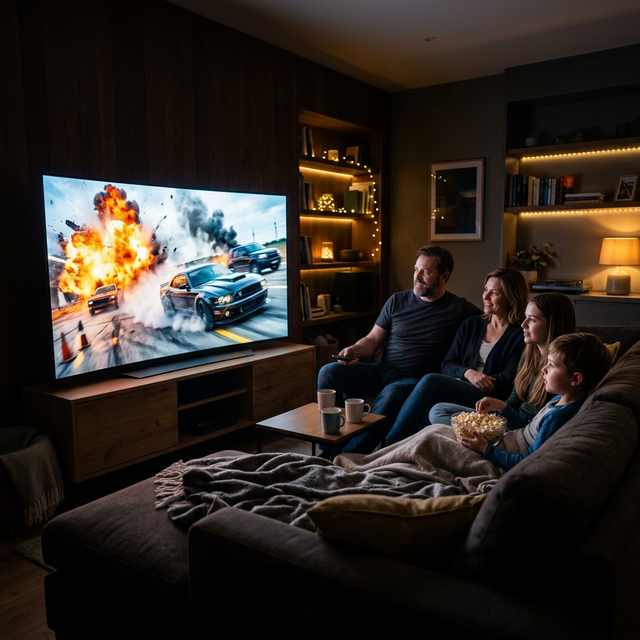
OLED displays (LG, Sony, Samsung QD-OLED) offer perfect blacks, infinite contrast ratio, and wide viewing angles. Every pixel produces its own light, so dark scenes in movies and dimly lit stadium shots during evening football look incredibly detailed without the grey wash that LCD panels produce. For a dedicated home cinema room with controlled lighting, OLED is the gold standard.
QLED and Mini-LED displays (Samsung, TCL, Hisense) offer higher peak brightness, which is advantageous in rooms with ambient light. They are also available in larger sizes at lower price points than OLED, with 75-inch and 85-inch models being significantly more affordable. For living rooms where you cannot fully control ambient light, a premium Mini-LED display delivers an exceptional home cinema IPTV setup at a lower cost than equivalent-sized OLED.
Regardless of technology, prioritize these features for IPTV viewing: native 4K resolution (3840x2160), HDR support (HDR10, Dolby Vision, or both), 120Hz refresh rate for smooth sports motion, low input lag for responsive channel switching, and HDMI 2.1 ports for future-proofing. Screen size should be appropriate for your viewing distance. As a general rule, your screen should be 1.5 times wider than your viewing distance divided by 2.5 for an immersive cinema experience.
Building an Immersive Audio System
Audio is arguably more important than video for creating a genuine home cinema experience, and most people underinvest in this area. A premium home cinema IPTV setup deserves audio that matches the visual quality. The minimum for a cinematic experience is a soundbar with a wireless subwoofer, but the ideal setup is a full surround sound system.
A Dolby Atmos 5.1.2 system (five speakers, one subwoofer, two height channels) creates immersive three-dimensional audio. For IPTV content, this transforms sports viewing with crowd atmosphere that surrounds you, movies with directional sound effects that move around the room, and music channels with studio-quality audio reproduction. Brands like Sonos, Samsung, Sony, and Denon offer systems ranging from affordable soundbar packages to reference-grade separates.
For those who want cinema-quality audio without the complexity of running speaker cables, modern wireless surround systems have matured significantly. Sonos offers a complete Dolby Atmos setup with Arc soundbar, Sub, and Era 300 surround speakers that require zero speaker cables. Samsung and Sony have similar wireless surround packages. These systems deliver genuinely impressive performance for IPTV viewing.
The Best Streaming Device for Home Cinema IPTV
Your streaming device is the bridge between EdIPTV's servers and your home cinema system. For a premium home cinema IPTV setup, the device must handle 4K HDR decoding flawlessly, support Dolby Vision and Dolby Atmos passthrough, offer wired ethernet connectivity, and run IPTV apps smoothly without lag or crashes.
- Apple TV 4K (top recommendation for home cinema): Supports Dolby Vision, Dolby Atmos, HDR10+, and HLG. Automatic content matching for both frame rate and dynamic range. Excellent IPTV app support. Premium build quality and silent operation.
- Nvidia Shield TV Pro (best for Android enthusiasts): AI-enhanced upscaling, Dolby Vision, Dolby Atmos, gigabit ethernet, USB 3.0 for recording. TiviMate runs perfectly. Best processing power of any Android device.
- Formuler Z11 Pro Max (best dedicated IPTV device): Built specifically for IPTV with MyTVOnline 3 app, optimized remote with number buttons, and a launcher designed around live TV. Less versatile than Apple TV or Shield but purpose-built for the IPTV use case.
- Amazon Fire TV Cube (best value): Hands-free Alexa voice control, 4K Dolby Vision, built-in speaker for when the TV is off, and decent IPTV app support. Not as powerful as Shield or Apple TV but significantly cheaper.
Room Optimization for the Best IPTV Viewing Experience
Room setup dramatically affects your home cinema IPTV experience. Light control is the single most impactful improvement you can make. Blackout curtains or blinds eliminate ambient light that washes out the picture, particularly on OLED displays where the deep blacks that define the technology are most impressive in a dark room. Even for daytime sports viewing, reducing ambient light by 50 percent visibly improves perceived contrast and color saturation.
Seating position matters more than most people realize. For a 65-inch 4K display, the ideal viewing distance is approximately 1.5 to 2.5 meters. Sitting too far away means you cannot appreciate 4K resolution since your eyes cannot resolve the extra detail. Sitting too close causes visible pixel structure and neck strain. Position your primary seating within this range for the most immersive experience.
Acoustic treatment transforms audio quality in a home cinema. Hard surfaces (glass, tile, bare walls) create reflections and echoes that muddy the sound. Adding soft furnishings, thick rugs, curtains, and dedicated acoustic panels absorbs reflections and allows your surround sound system to perform as intended. Even simple additions like a thick rug on a hard floor and heavy curtains over windows make a noticeable difference.
Connecting Everything: The Home Cinema IPTV Wiring Guide
Proper wiring ensures every component in your home cinema IPTV setup performs at its best. Use high-speed HDMI 2.1 cables (certified Ultra High Speed HDMI) between your streaming device and TV or AV receiver. These cables support 4K at 120Hz, Dolby Vision, and eARC for uncompressed Dolby Atmos audio. Cheap HDMI cables are a common source of problems in premium setups, so invest in certified cables from reputable brands.
For audio, if using an AV receiver, connect your streaming device to the receiver via HDMI, then the receiver to the TV via another HDMI cable. Enable eARC on both the TV and receiver. This ensures the receiver receives the audio directly and processes it optimally, while the TV gets the video. For soundbar setups, connect the streaming device to the TV, then use the TV's eARC HDMI port to send audio to the soundbar.
Run an ethernet cable to your streaming device. For concealed wiring, use flat ethernet cables that can be hidden under carpet or run along baseboards. If ethernet is impractical, a powerline adapter kit placed near your router and near your streaming device creates a stable wired connection using your home's electrical wiring.
Calibrating Your Display for IPTV Content
Out-of-the-box display settings are rarely optimal for IPTV viewing. Most TVs ship in a vivid or dynamic mode designed to catch attention in a showroom, with oversaturated colors, excessive sharpness processing, and artificial motion smoothing that makes sports look unnatural. Switching to Cinema, Filmmaker, or ISF mode provides the most accurate picture for movies and entertainment.
For sports viewing specifically, you may want slightly different settings than for movies. Many TVs allow you to save separate picture profiles. Create a Sports profile with motion smoothing set to low or medium (not off), slightly boosted brightness for daytime sports, and the BFI (black frame insertion) feature enabled if available. Create a Cinema profile with motion smoothing off, standard brightness, and all processing minimized for the most film-like presentation.
HDR settings deserve special attention. Enable Dolby Vision on your streaming device and TV. Set the HDR tone mapping to your display's capabilities. Most premium TVs in 2026 handle this automatically, but verifying the settings ensures EdIPTV's HDR streams are displayed at their full potential.
Why EdIPTV Completes the Premium Home Cinema Setup
The most expensive display and audio system in the world is only as good as the content feeding it. EdIPTV provides the content quality that justifies premium home cinema hardware. With 4K HDR streaming on premium channels, anti-freeze technology ensuring 99.9 percent uptime, and 29,500 plus channels covering every genre and language, your home cinema IPTV setup always has something spectacular to display.
Sports in 4K on a large OLED with Dolby Atmos surround sound creates an atmosphere that rivals being in the stadium. Movies from premium cinema channels in HDR with accurate colors and deep blacks deliver genuine cinema-quality presentation. International content brings culture and variety. Kids channels keep the younger family members entertained. All from a single, affordable subscription with no contracts.
The multi-screen capability means your home cinema is the primary viewing station, but family members can simultaneously stream different content on other devices throughout the house. Your premium setup in the dedicated cinema room is complemented by EdIPTV access on bedroom TVs, tablets, and phones, all from one subscription.
Build Your Premium Home Cinema IPTV Setup with EdIPTV
A premium home cinema IPTV setup combines the right display, immersive audio, a capable streaming device, optimized room conditions, and a content source worthy of the investment. EdIPTV provides that content source with 29,500 plus channels, 4K HDR streaming, anti-freeze technology for 99.9 percent uptime, and comprehensive EPG data that makes navigating the massive channel lineup effortless.
Try EdIPTV free for 24 hours and test it on your home cinema setup. Contact the team via WhatsApp at +1 (559) 508-2154 to activate your free trial in minutes. Experience 4K HDR sports on your big screen, cinematic movies with Dolby Atmos audio, and 29,500 plus channels of entertainment that make your home cinema investment worthwhile. No contracts, no credit card for the trial. Get started today and build the ultimate home cinema IPTV setup.
Ready to Start Streaming?
Get instant access to 20,000+ live channels, 4K streaming, and 80,000+ movies and series.
View Plans & Pricing