IPTV TV Guide EPG Explained: How Electronic Programme Guides Work
The IPTV TV guide EPG, or electronic programme guide, is one of the most important yet often overlooked features of any IPTV service. A well-implemented EPG transforms the IPTV experience from randomly browsing through thousands of channels hoping to find something good into a structured, informative, cable-like viewing experience where you can see what is on now, what is coming up next, and plan your viewing for the entire day or week ahead.
Yet many IPTV users either do not know how to set up their EPG properly, use it with incomplete data, or have never explored its full capabilities. This guide explains everything about the IPTV TV guide EPG: what it is, how it works technically, how to configure it in popular apps, how to troubleshoot common issues, and how EdIPTV's comprehensive EPG data covering 29,500 plus channels delivers one of the most complete programme guides in the industry.
What Is an IPTV TV Guide EPG?
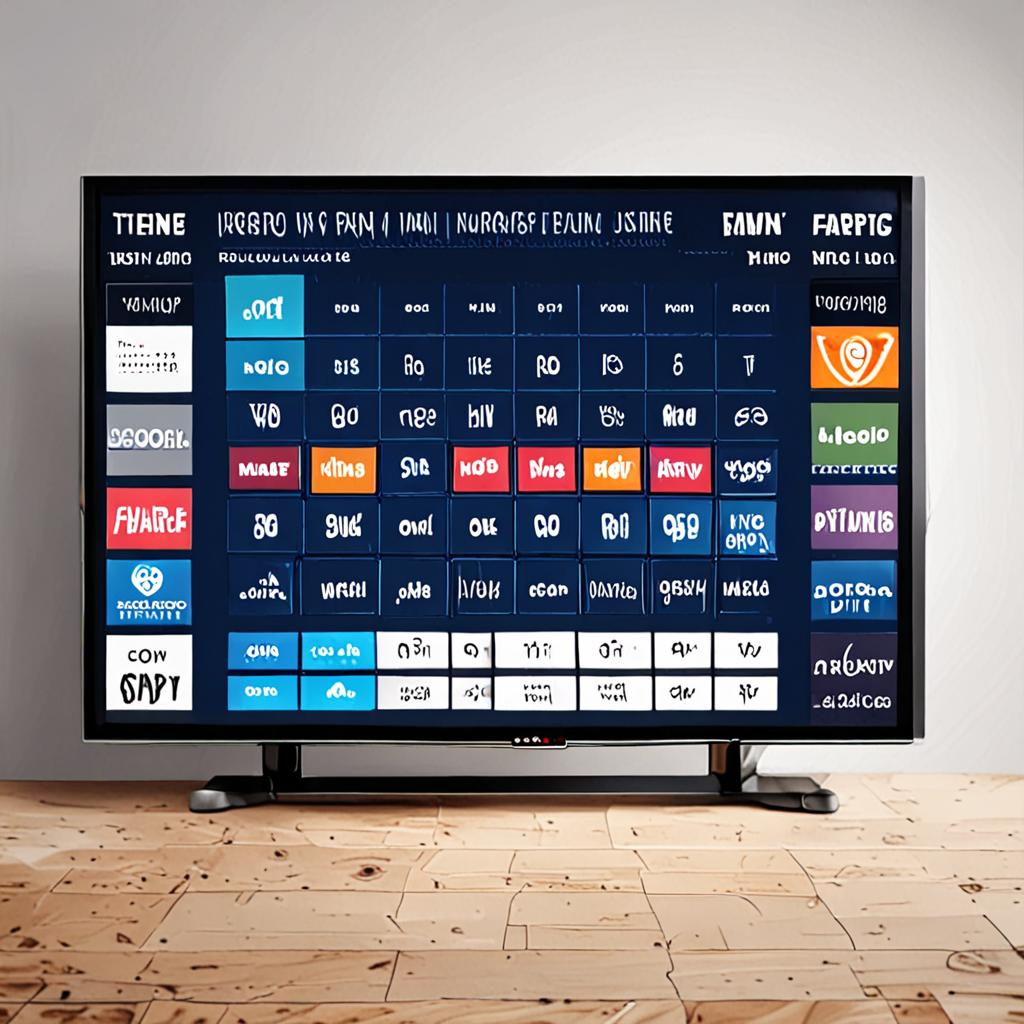
An electronic programme guide is essentially a digital TV listings magazine built into your IPTV app. It displays a grid of channels on the vertical axis and time slots on the horizontal axis, showing you exactly which programme is airing on each channel at any given time. Clicking on a programme in the EPG can take you directly to that channel, and many EPGs also show programme descriptions, genres, episode information, and scheduling for several days in advance.
If you have ever used the TV guide on Sky, Virgin Media, or Freeview, you already understand the concept. The IPTV TV guide EPG works on the same principle but covers vastly more channels. With a service like EdIPTV offering 29,500 plus channels from over 130 countries, a functional EPG is not just nice to have, it is essential for navigating the channel lineup efficiently.
How EPG Data Works Behind the Scenes
Understanding how EPG data is generated and delivered helps explain why some IPTV services have excellent guides while others show empty grids. EPG data is typically compiled from multiple sources including broadcaster-provided schedules, third-party data aggregators, and proprietary databases. This data is formatted in XMLTV format, a standardized XML structure that contains channel identifiers, programme names, start and end times, descriptions, categories, and sometimes episode details.
Your IPTV provider makes this XMLTV data available to your app through an EPG URL or API endpoint. When your IPTV app connects to the provider, it downloads this data and maps it to the channels in your playlist. Each channel has a unique identifier that links it to the corresponding EPG data. When the mapping is correct, you see programme information. When it is missing or mismatched, you see empty guide entries.
The quality of EPG data depends entirely on the IPTV provider's investment in data sourcing, mapping accuracy, and update frequency. Premium providers like EdIPTV maintain comprehensive EPG databases that are updated multiple times daily, covering the vast majority of their 29,500 plus channels with accurate, detailed programme information.
EPG Display Modes in IPTV Apps
Different IPTV apps present the EPG in different formats, and choosing the right display mode for your viewing style makes a significant difference to usability.
- Grid view: The classic cable-like EPG showing channels as rows and time as columns. Best for browsing what is on across multiple channels simultaneously. TiviMate and iPlayTV excel at grid view with smooth scrolling and visual clarity.
- List view: Shows programmes for a single channel as a vertical list. Useful for browsing a specific channel's schedule for the day without the visual complexity of the full grid.
- Now and next: A compact view showing only the current and upcoming programme for each channel. Ideal for quick browsing when you just want to see what is available right now.
- Timeline view: A horizontal timeline for a single channel showing programmes spread across the day. Good for planning when to tune in to a specific channel.
- Category view: Groups programmes by genre (Sports, Movies, News, Kids) across all channels. Useful when you know what type of content you want but not which channel.
Setting Up EPG in Popular IPTV Apps
When using EdIPTV with Xtream Codes API connection, the EPG data is integrated automatically. Your IPTV app downloads the programme guide data as part of the initial connection process. However, some configuration may be needed to optimize the EPG display.
In TiviMate, navigate to Settings, EPG. Set the EPG update interval to every 6 or 12 hours to keep data fresh without excessive bandwidth usage. Enable EPG background updates so the guide refreshes automatically even when the app is not in the foreground. Set the number of EPG days to display, typically 3 to 7 days depending on how far ahead you want to plan your viewing.
In IPTV Smarters Pro, the EPG loads automatically when connected via Xtream Codes API. Access the TV Guide from the main menu to view the grid. If some channels show no EPG data, go to Settings, EPG, and tap Refresh EPG to force a re-download of the guide data. The app caches EPG data locally, so subsequent launches display the guide instantly.
For apps using M3U playlist connections, you may need to manually add the EPG URL. EdIPTV provides this URL alongside your M3U link. In your app's settings, find the EPG or TV Guide section and enter the EPG URL. The app will download the XMLTV data and match it to channels in your playlist based on channel identifiers.
Using the EPG Like a Power User
Beyond basic programme browsing, the IPTV TV guide EPG enables several power-user features that enhance the viewing experience significantly. Setting reminders for upcoming programmes ensures you never miss a match kickoff or series premiere. In TiviMate, long-press on any future programme in the EPG and select Set Reminder. The app will notify you when the programme is about to start.
Programme search is another powerful EPG feature. Instead of browsing through thousands of channels, use the search function to find specific shows, movies, or events across all channels. Searching for Premier League or Champions League will show you every channel airing those events, across all countries and languages. This is invaluable with a 29,500 plus channel lineup where manual browsing would take forever.
EPG-based recording is available in apps like TiviMate on devices with external storage. Browse the EPG, find a programme you want to record, long-press it, and select Record. The app will automatically start recording when the programme begins and stop when it ends, saving it to your connected USB drive. This turns your IPTV device into a PVR without any additional hardware.
Troubleshooting Common EPG Issues
- EPG showing no data: Force refresh the EPG from your app settings. Ensure your IPTV subscription is active. For M3U connections, verify the EPG URL is correct and accessible.
- EPG times are wrong: Check your device's time zone settings. EPG data uses UTC and converts to local time based on your device's time zone. If your time zone is incorrect, all programme times will be shifted.
- EPG data is outdated: Reduce the EPG update interval in your app settings. Set it to every 6 hours for the most current data. Also ensure background updates are enabled.
- Some channels have EPG but others do not: Not all channels may have EPG data available. International or niche channels sometimes lack structured schedule data. EdIPTV covers the vast majority of channels but some smaller regional channels may have limited EPG.
- EPG loading is very slow: The initial EPG download for 29,500 plus channels can be large. Allow 2 to 5 minutes for the first load. Subsequent loads use cached data and are much faster. Use ethernet for the fastest initial download.
EdIPTV EPG: Comprehensive Programme Guide Coverage
EdIPTV's IPTV TV guide EPG is one of the most comprehensive in the industry, covering the vast majority of its 29,500 plus channels with detailed, accurate programme information. The EPG data includes programme titles, descriptions, start and end times, genre categories, and episode information where available. Data is sourced from multiple providers and updated multiple times daily to ensure accuracy.
The EPG covers channels from over 130 countries in their respective local languages, so French channel guides appear in French, German channels in German, and Arabic channels in Arabic. This native-language EPG support makes navigating international channels intuitive even if you are switching between multiple language groups during a viewing session.
Experience the Best IPTV EPG with EdIPTV
A great IPTV TV guide EPG transforms how you watch television. Instead of aimless channel surfing, you browse a structured, informative guide that shows you exactly what is available across 29,500 plus channels, plan your viewing, set reminders, and never miss a programme you care about. EdIPTV's comprehensive EPG data, combined with apps like TiviMate and IPTV Smarters Pro, delivers a programme guide experience that equals or surpasses traditional cable and satellite.
Try EdIPTV free for 24 hours and explore the EPG for yourself. Contact the team via WhatsApp at +1 (559) 508-2154 to activate your free trial in minutes. With 29,500 plus channels, comprehensive EPG data, 4K streaming, anti-freeze technology for 99.9 percent uptime, and 24/7 support, EdIPTV delivers the complete IPTV experience. Get started today.
Ready to Start Streaming?
Get instant access to 20,000+ live channels, 4K streaming, and 80,000+ movies and series.
View Plans & Pricing